What Is SSL/HTTPS and Why Your Domain Needs It
SSL and HTTPS explained simply — what the padlock means, why every site needs it for trust and SEO, and how to get a certificate.
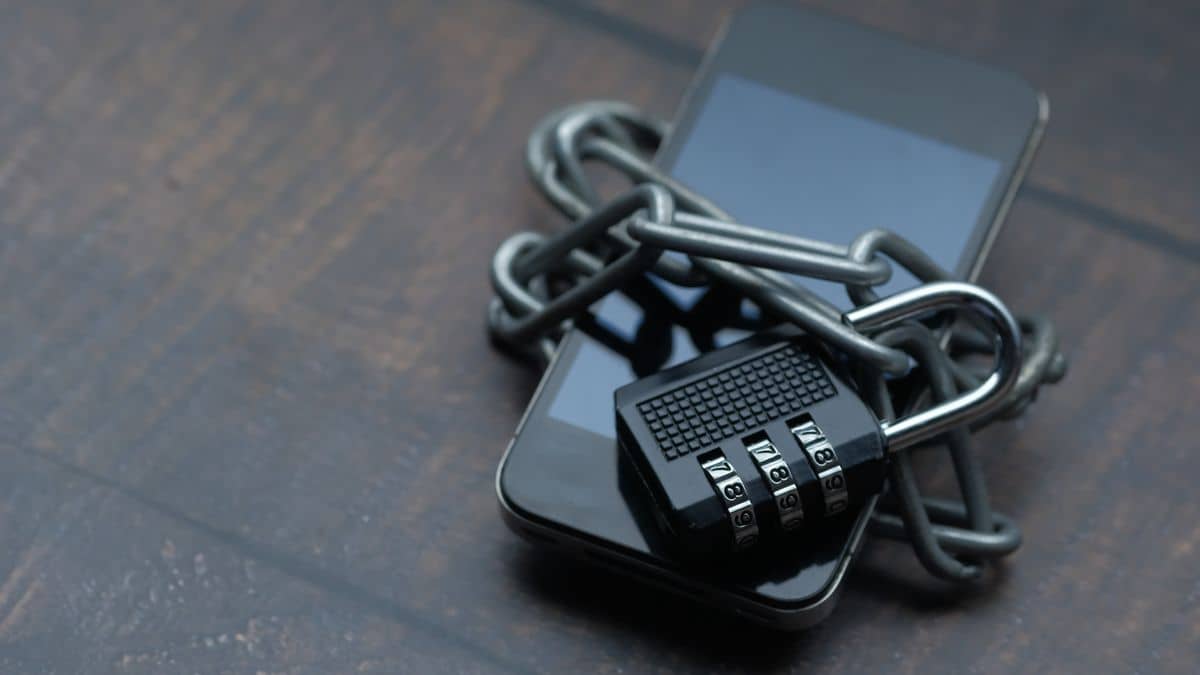
If you've noticed the padlock in your browser's address bar, you've already met SSL. So what is SSL? It's the technology that encrypts the connection between a visitor and your website, turning http:// into the secure https://. Today it's not optional: browsers warn people away from sites without it, and customers expect the padlock before they trust you with a single detail. This guide explains it in plain terms and how to make sure your domain has it.
What SSL and HTTPS actually do
SSL (and its modern successor TLS) scrambles the data travelling between a visitor's browser and your server, so nobody in between can read it. HTTPS is simply HTTP with that encryption applied — the 'S' stands for secure. When both are in place, the browser shows a padlock and the address begins with https://, signalling that the connection is private and the site is who it claims to be.
Why your domain needs it
- Trust — visitors see the padlock and feel safe sharing details
- Security — login details, payments and form data are encrypted in transit
- SEO — search engines favour HTTPS sites over insecure ones
- No scary warnings — browsers flag http-only sites as 'Not secure'
That 'Not secure' label is the big one. Most visitors won't enter their name, let alone pay, on a site the browser warns them about — so a missing certificate quietly costs you customers before they ever reach your content.
How to get an SSL certificate
The good news is that SSL is usually straightforward. Most modern hosts and website platforms issue and renew a free certificate automatically once your domain points to them correctly — you often don't have to do anything beyond connecting the domain. If yours doesn't, your host can enable one for you. The key requirement is that your DNS is set up properly first, so the certificate can be verified for your domain.
If you still see 'Not secure'
A new certificate can take a little time to be issued after you connect your domain, so a brief warning right after setup is normal. If it persists, check that both the www and non-www versions of your site are covered, and that your DNS records are correct — an unfinished DNS change is the usual reason a certificate won't issue. Once everything lines up, the padlock appears and your site is fully secure.
Watch out for mixed content
Sometimes a site has a valid certificate but the padlock still doesn't show, or the browser warns of a 'not fully secure' page. This is usually mixed content — the page itself loads over HTTPS, but it pulls in an image, script or font over the old insecure HTTP. The fix is to update those links to use https:// (or relative paths) so everything on the page is served securely. Most website platforms have a setting or tool that finds and fixes mixed content for you, so it's rarely something you need to hunt down by hand.
Always redirect HTTP to HTTPS
Once your certificate is working, make sure visitors who type the plain http:// version are automatically sent to the secure https:// one. Most hosts offer a one-click 'force HTTPS' option for exactly this. It means nobody ever lands on the insecure version by accident, search engines index the secure address, and you present a single, consistent, trustworthy URL to the world. It also avoids splitting your visitors and your search ranking signals across two versions of the same site, which can quietly hold back your SEO.
FAQ
Is SSL the same as HTTPS?
They're closely related: SSL/TLS is the encryption technology, and HTTPS is the secure version of HTTP that uses it. In everyday use people use the terms interchangeably.
Do I have to pay for SSL?
Usually not. Most hosts and website platforms provide a free certificate automatically once your domain is pointed to them correctly.
Written by
SabyDomain Editorial Team
Domain & DNS specialists at Saby Infotech
The SabyDomain team registers and manages domains for Tanzanian businesses every day. We write these guides to make getting online simple — from choosing a name to DNS, transfers and renewals.
Ready to get your domain?
Search your name and pay with mobile money in TZS.